

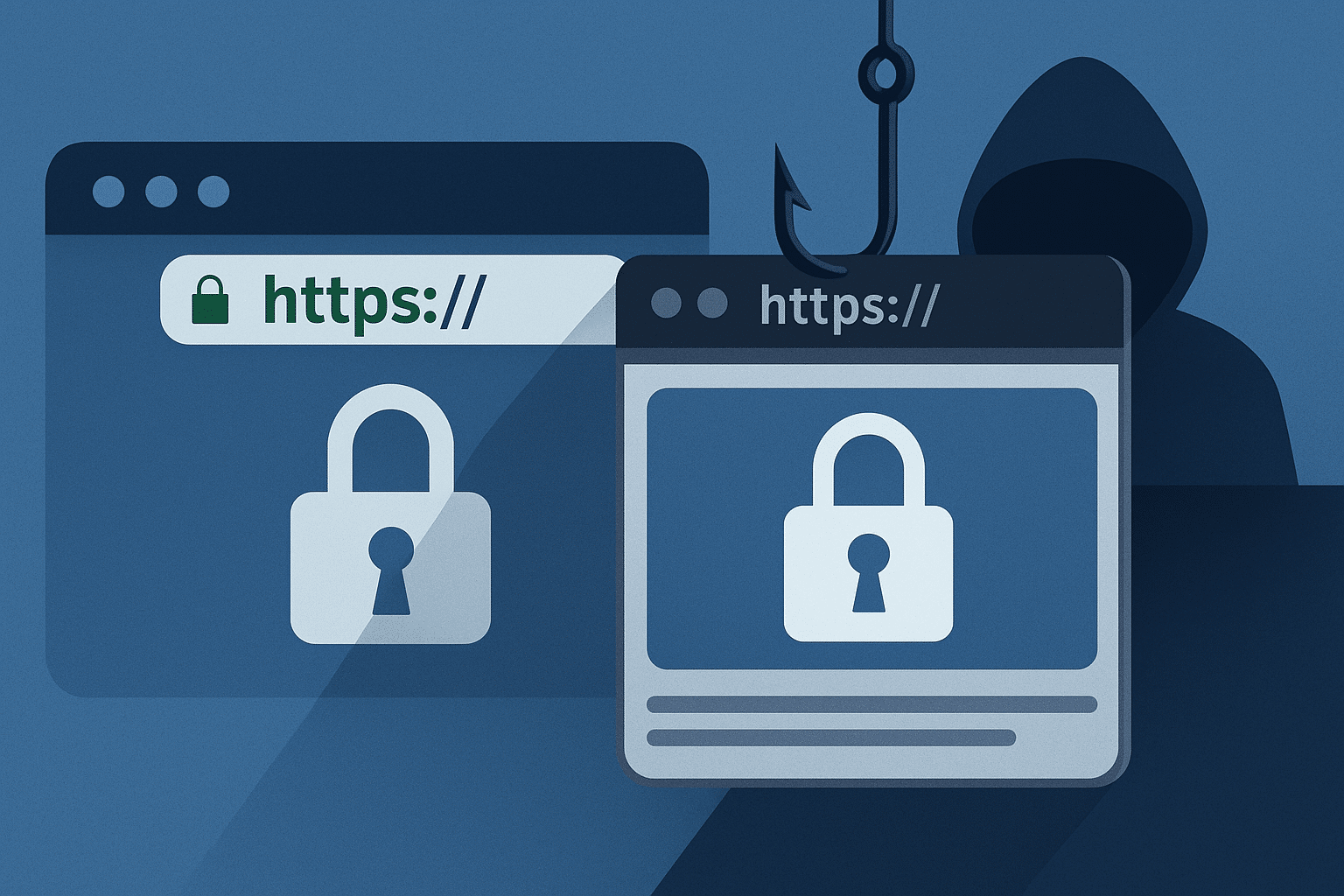
For years, security awareness campaigns have told users to “check the URL” and “look for the lock icon” as a defence against phishing. That advice made sense when most fake pages were crude clones hosted on obviously suspicious domains.
Tools like the Sneaky2FA phishing‑as‑a‑service (PhaaS) kit are systematically eroding that comfort zone.
Sneaky2FA started out as a way for criminals to intercept not just usernames and passwords, but also one‑time codes and session tokens – using adversary‑in‑the‑middle (AiTM) techniques to relay authentication flows in real time. Its latest evolution raises the stakes: it now lets operators insert legit‑looking URLs into the phishing experience, further blurring the line between real and fake.
The result is a dangerous combination: highly believable pages, full support for modern MFA, and now the ability to make the address the victim sees feel “right” even when everything about the session is wrong.
## From simple phishing to adversary in the middle
Traditional phishing works by luring a victim to a fake page, collecting credentials, and then either:
– Reusing them later (hoping MFA is weak or absent), or
– Running a basic scripted login attempt in the background.
AiTM phishing kits like Sneaky2FA are more ambitious. They set up a reverse proxy between the victim’s browser and the real service:
- The victim is tricked into clicking a link that points to the attacker’s proxy.
- The proxy fetches the genuine login page from the legitimate site.
- The victim interacts with what looks and behaves like the real site – because, under the hood, it is.
- When the victim enters credentials and one‑time codes, the proxy forwards them on, captures the resulting session cookies and tokens, and hands the attacker a valid, authenticated session.
From the victim’s point of view, everything works: they get logged in successfully. From the attacker’s point of view, they now have a live session that may allow them to bypass MFA and account protections entirely.
Kits like Sneaky2FA package all of this into a service: ready‑made panels, templates for major brands, infrastructure rotation, logs, and dashboards – so that less technical criminals can run sophisticated AiTM phishing without having to build it themselves.
## The new twist: manipulating what “looks legit”
The latest update to Sneaky2FA introduces the ability to insert or control legit‑looking URLs in the phishing flow. In practice, that can mean several things:
- Prominent display of a trusted brand’s domain inside the page itself (e.g. in banners, “secure login via…”, or status bars).
- Carefully crafted subdomains or paths that echo real corporate naming patterns, even if the base domain is controlled by the attacker.
- Use of UI tricks and layout that draw attention to the “safe‑looking” parts of the address and away from the parts that matter.
Combined with existing Browser‑in‑the‑Browser (BitB) style tricks that some kits use – fake browser windows rendered inside the page – Sneaky2FA operators can present an environment where:
- The login flow behaves exactly like the real one (because it’s proxied).
- The content looks right.
- The visible URL cues are persuasive enough to override whatever caution training has instilled.
For many users, that’s more than enough to silence the small voice of doubt in the back of their mind.
## Why “check the URL” is no longer sufficient
Checking URLs is still better than not checking them, but we have to be honest about its limits in 2025:
- Visual similarity is cheap. Attackers can register look‑alike domains, use punycode, or hide the critical parts of a URL behind long, benign‑looking paths.
- UX works against vigilance. Mobile browsers, PWAs and embedded web views often truncate or de‑emphasise the address bar. Users see app chrome, not full URLs.
- AiTM approaches change the threat. If the kit is relaying real pages, the presence of “correct” logos, flows, and messages is no longer reassuring.
- Psychology matters. Users under time pressure, emotional pressure, or following instructions from a seemingly trusted source (IT, HR, finance) are more likely to override their own doubts.
Attackers understand this and are explicitly designing tools like Sneaky2FA to exploit those realities. As defenders, we need to update our mental model accordingly.
## What defenders should focus on instead
If URL checking is becoming less reliable, what does proactive defence look like?
### 1. Push toward phishing‑resistant authentication
Not all MFA is created equal. One‑time codes over SMS, email, or even app‑based TOTP are still vulnerable to AiTM attacks if users can be tricked into entering them into a proxied page.
Stronger options include:
- FIDO2/WebAuthn / passkeys – bound to specific domains and resistant to simple relay attacks.
- Hardware security keys – where feasible, for high‑risk roles and access paths.
- Adaptive authentication – that can step up requirements or explicitly block logins when risk signals suggest an AiTM attempt.
This doesn’t mean you flip a switch overnight. It does mean you identify high‑value accounts and actions (admins, finance, privileged access, code repos) and prioritise them for phishing‑resistant methods.
### 2. Harden the flows around high‑risk actions
Even with strong MFA, account takeover can still happen via malware, SIM swaps, or social engineering. Assume that some number of sessions will be compromised and focus on:
- Extra verification or out‑of‑band checks for critical actions (changing payout details, adding new devices, creating new admins).
- Transaction signing where users see what they’re approving in a channel the attacker can’t easily manipulate.
- Limiting what a single session can do before additional checks are required.
This shrinks the blast radius even if AiTM succeeds.
### 3. Detect the infrastructure, not just the click
Sneaky2FA and similar kits rely on:
- Known hosting patterns and proxies
- TLS certificate reuse
- Clusters of domains tied to the same infrastructure
Threat intel, EDR and secure email/web gateways can:
- Maintain blocklists and heuristics for known AiTM infrastructure
- Flag unusual referral patterns or domain age/ownership issues
- Correlate user traffic to suspect hosts with other signals (new device, unusual geolocation, etc.)
Relying solely on user vigilance is a losing strategy. You need machine‑level visibility into where authentication traffic is actually going.
### 4. Update awareness training to match modern attacks
Awareness content that still shows crude, typo‑filled phishing emails is doing your users a disservice.
Updated programmes should:
- Explain AiTM in simple terms: “Sometimes attackers make you log in through a fake middleman.”
- Show examples where the page looks perfect but the context (who asked you, from what channel, under what urgency) is what really matters.
- Emphasise behavioural red flags over purely visual ones: unexpected demands, unplanned MFA prompts, login requests that pop up when the user wasn’t trying to access the service.
The message should evolve from “check the URL and you’re safe” to “check the context, be sceptical of unexpected authentication, and know that some attacks are designed to look perfect.”
## A case study in how phishing‑as‑a‑service is maturing
The evolution of Sneaky2FA is part of a bigger trend:
- Capabilities that once required skilled operators are being packaged into turnkey services.
- Phishing kits are not just HTML templates; they are full‑blown attack platforms with dashboards, logging, account management and support.
- Each iteration adds more evasive features, more convincing UX, and more integration with the broader cybercrime ecosystem.
For defenders, the takeaway is not to panic, but to accept that:
- Phishing will continue to adapt to whatever advice we give users.
- Controls must shift “left” into stronger authentication and risk‑based access, and “right” into better detection of sophisticated infrastructure and patterns.
- Proactive testing – including using your own red/purple teams to simulate AiTM – is essential to validate whether your defences work against tools like Sneaky2FA, not just against yesterday’s scams.
The phishing landscape is no longer about poorly written emails and obvious fake sites. It’s about adversaries who understand UX, psychology, protocols and the gaps in our defences – and who are happy to rent those capabilities out as a service.
If our strategies don’t evolve at the same pace, we’ll keep telling users to “check the URL” while attackers quietly invest in making that URL look exactly how we told them it should.