


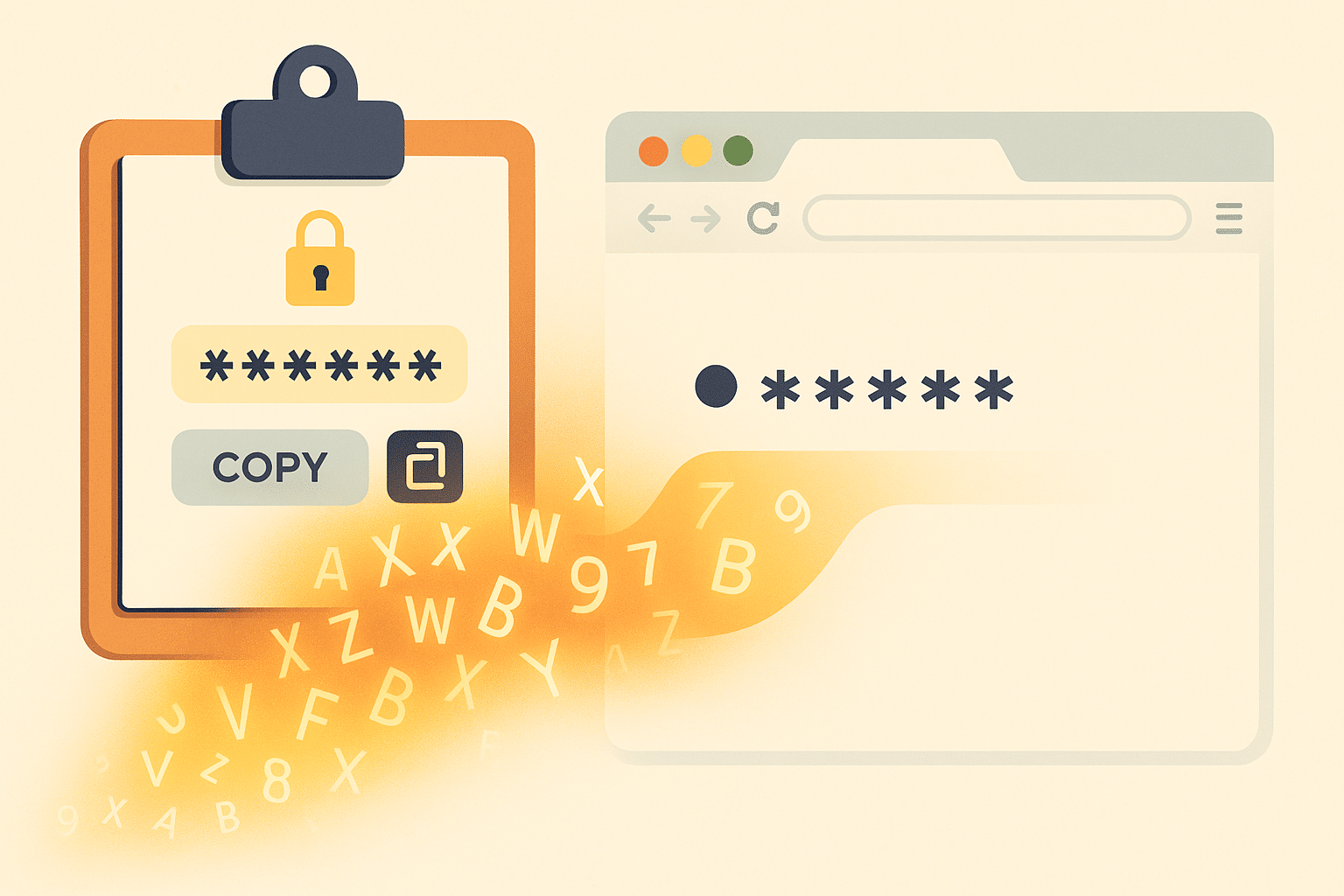
If someone asked you to write your home Wi‑Fi password on a public noticeboard, you’d say no.
But thousands of people have done something very similar online — and many of them didn’t realise they were doing anything risky at all.
Security researchers have just uncovered a massive leak of sensitive information caused by a quiet, everyday habit: pasting “technical stuff” into convenient websites that promise to “format” or “beautify” your data. These sites look harmless, even helpful. Behind the scenes, though, they’ve been quietly turning private information into something anyone – including criminals – can read.
This isn’t an “IT problem.” It’s a people problem. And if you ever copy and paste anything into a website, it matters to you.
Let’s break down what happened, why it’s dangerous, and what you should do differently in plain language.
What Actually Happened?
Researchers from watchTowr Labs looked at two popular websites used by developers:
- JSONFormatter.org
- CodeBeautify.org
These sites are like online “tidying tools” for data and code. You paste in something messy, click a button, and it comes out neatly formatted.
So far, so normal.
But both sites had features that allowed users to:
- Save what they pasted, and
- Share or re‑open it via a public web link.
They also had “Recent Links” pages that exposed what people had saved.
The researchers simply crawled those public links and found:
- Passwords
- Database logins
- Cloud access keys
- Internal system configs
- Personal details (names, emails, phone numbers, etc.)
Some of it came from major companies: banks, governments, tech firms, even a cybersecurity company. In one case, a managed security provider had pasted a bank customer’s Active Directory username and email.
And here’s the really worrying part:
When the researchers created fake credentials and left them there as a test, someone else found them and tried to use them.
In other words, attackers are already actively scanning these sites for secrets.
“But I’m Not a Developer — Does This Affect Me?”
Maybe you’ve never heard of JSON or “code beautifiers.” But this isn’t just about developers.
Ask yourself:
- Have you ever pasted a password, license key, or VPN config into a website to “check” or “fix” it?
- Have you ever shared something technical with a friend or colleague by pasting it into a web tool and sending them the link?
- Do you ever Google “online formatter” or “online converter” when something looks messy or confusing?
If yes, the same pattern could catch you out:
- You paste sensitive information into a site you don’t control.
- The site stores it in a way you didn’t expect (e.g., “Save”, “Share”, or “Recent items”).
- That stored data is publicly accessible or poorly protected.
- Attackers crawl it, collect it, and try it against real accounts.
You don’t have to be a programmer to fall into this trap. You just have to be someone who’s busy, frustrated, and trying to get something to “work” quickly.
Why This Is So Dangerous
Let’s put this into everyday terms.
Imagine:
- You paste your Wi‑Fi password into an “online tool” to help your neighbour connect.
- That site quietly saves it and puts it on a “recent items” page.
- Anyone on the internet can now see that Wi‑Fi password.
Now imagine instead of Wi‑Fi:
- It’s your email password.
- Or the login to your small business accounting system.
- Or details about how to log into a remote work system.
Once a criminal has those, they can:
- Read your emails
- Reset other accounts using your inbox
- Access business systems
- Move money, steal data, or impersonate you
And because the data is often real and current, criminals don’t need to “hack” anything. They just log in.
How to Spot a Risky Online Tool
The problem isn’t only with these two sites; it’s the behaviour that’s dangerous.
Here are red flags to watch for on any “helpful” website where you might paste something:
- “Save”, “Share”, or “Get Link” buttons
- If a tool can save what you paste and give you a link, assume that link might be visible to others.
- “Recent Files”, “Recent Links”, or “Public Gallery” sections
- If you can see other people’s content, assume they can see yours.
- No clear privacy policy
- If you can’t easily find (and understand) how your data is stored and for how long, don’t paste anything sensitive.
- Feels “too easy” for something private
- If you’re pasting a password, configuration, or anything that could unlock access to an account, a quick free website is almost never the right place.
Simple Rules: What You Should Never Paste Into a Random Website
Treat these like secrets you would never print on a postcard:
Never paste into untrusted websites:
- Passwords (for email, banking, Wi‑Fi, work logins, etc.)
- Two‑factor backup codes or recovery codes
- API keys, “tokens”, or “access keys” (often used for apps and services)
- Full configuration files for VPNs, remote access tools, or servers
- Anything with “secret”, “token”, “key”, or “private” in the name
- Documents or text containing customer/employee personal data
If you’re not sure whether something is sensitive, ask yourself:
“If someone else had this exact text, could they log in somewhere or see something they shouldn’t?”
If the answer might be “yes”, don’t paste it into a random site.
“I Definitely Did This in the Past — What Now?”
If you’ve used tools like this before, don’t panic, but do act:
- List the types of things you might have pasted
- Passwords? VPN configs? API keys? License keys?
- Change the related passwords
- If you ever pasted a password into a web tool, change it now.
- Start with your email and bank accounts, then anything work‑related.
- Revoke / rotate keys where possible
- If you have API keys or tokens (for cloud services, automation tools, or home projects), generate new ones and delete the old.
- Tell your workplace if it involved work systems
- It’s better to be honest early than to hide something that might lead to a bigger incident later.
Safer Alternatives for Normal Users
Here are better ways to handle “messy” data or tricky setups without leaking secrets:
- Use built‑in apps when possible
- Text editors (Notepad, TextEdit, VS Code) work offline and don’t expose your data to the internet.
- If you need to share with someone:
- Remove sensitive parts before sharing (e.g., replace passwords with “****”).
- Use secure, private channels (encrypted messaging, workplace tools like Teams/Slack) instead of public paste sites.
- For technical formatting/checking:
- If you must use an online tool, choose one that:
- Clearly says it doesn’t store data, and
- Has no “Save”, “Share”, or “Recent items” functionality.
- If you must use an online tool, choose one that:
- Use a password manager
- Password managers can generate, store, and fill complex passwords so you never need to copy and paste them into random websites.
The Bigger Lesson: Convenience vs. Control
This whole incident is a reminder of a broader truth:
The more convenient a tool is, the more carefully you should think about what you hand over.
Most of the people whose secrets ended up on these sites weren’t stupid. They were busy. They were trying to solve a problem quickly. They assumed “everyone uses this, it must be fine.”
Criminals are very good at finding the corners of the internet where that kind of trust and laziness pile up into opportunity.
A few small habits can keep you out of that pile:
- Think before you paste.
- Treat passwords and keys like money: you wouldn’t hand them to a stranger in the street.
- When in doubt, don’t share — or strip out anything sensitive first.
You don’t need to become a security expert to protect yourself. You just need to be a bit more suspicious of “free” helpers on the web — especially when they’re asking you to paste in your digital life.